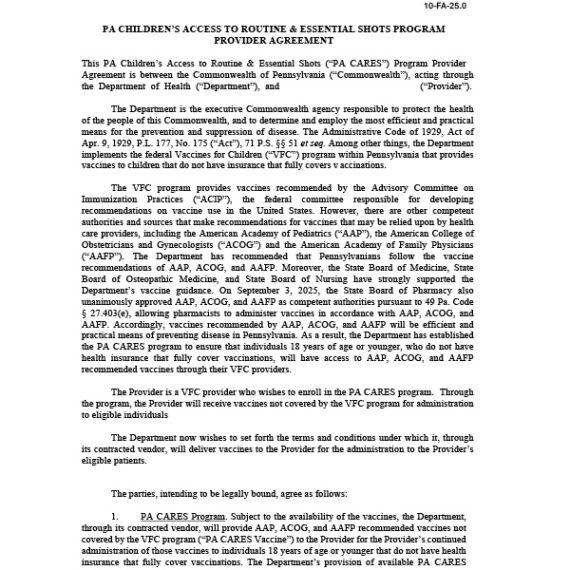
Step 1: Fill out the PA CARES provider agreement form.
Download the PA CARES provider agreement
Fill out the form electronically, or print to fill out by hand.
- The person signing off on the agreement (authorized signer) can be any person with signing authority at your provider location.
- Make sure all highlighted fields are completed.
- Follow instructions below carefully.
Electronic submission is encouraged so we can provide more efficient support.
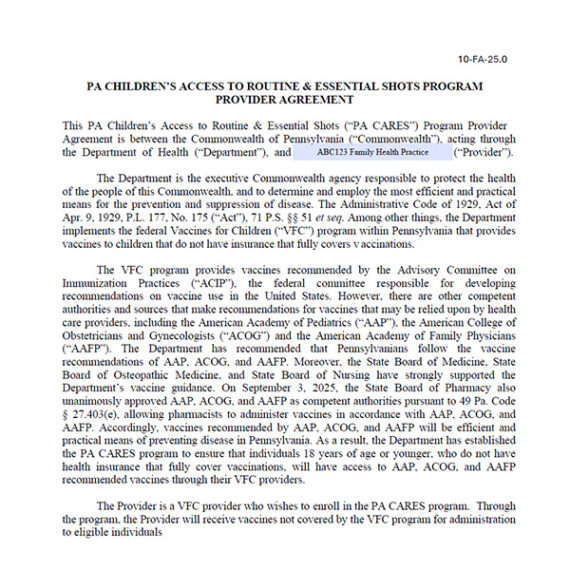
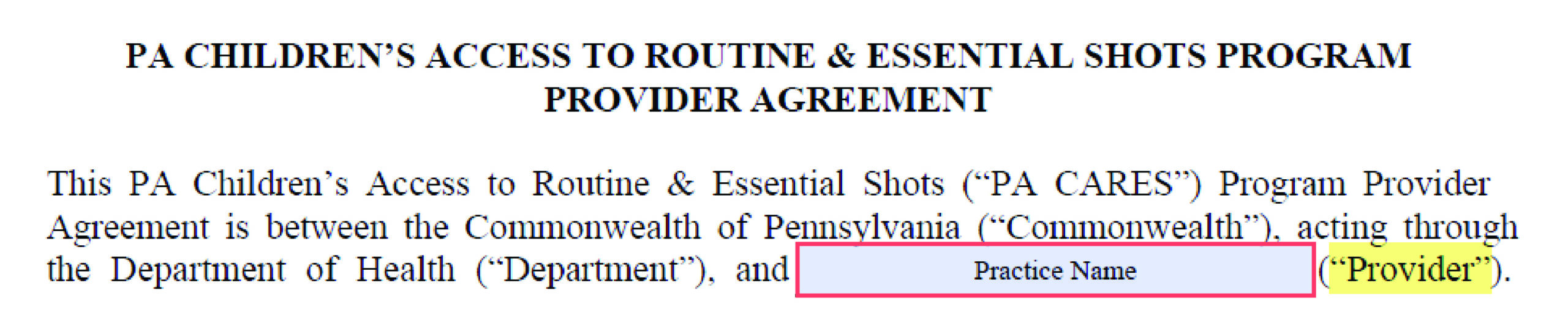
Page 1:
- Enter the practice name exactly as it appears in PhilaVax, excluding the PIN
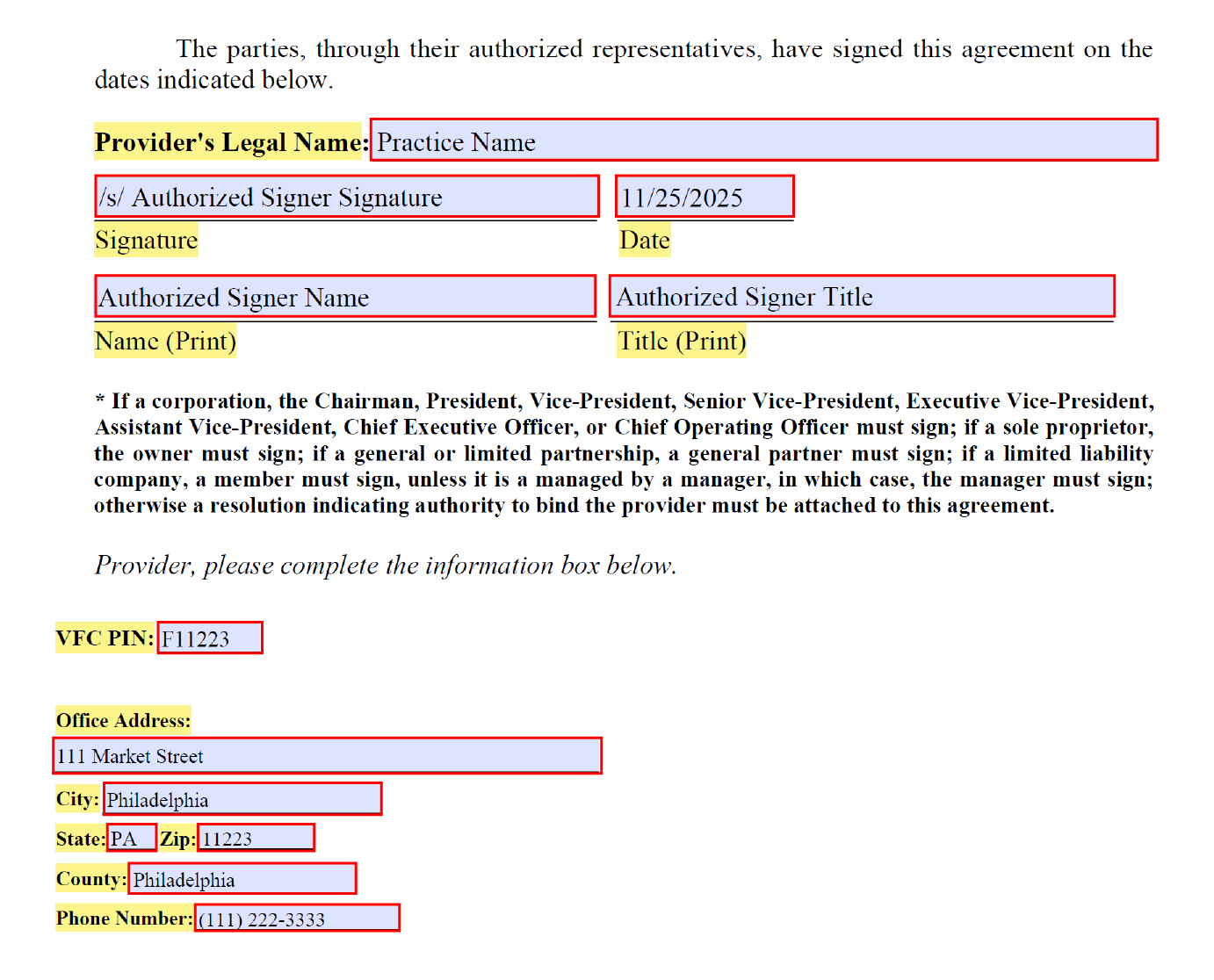
Page 9:
- Practice name (must match the provider field on page 1)
- Signature of Authorized Signer (see below for electronic signature instructions)
- Date
- Authorized Signer Name
- Authorized Signer Title
- VFC pin
- Office address
- City
- State
- Zip
- County
- Phone number
Instructions to fill the signature field electronically
Any of the following methods are acceptable:
- Sign via the “use a certificate” option in the Adobe PDF.
- Add your signature using the “add a signature” tool.
- Type the signature manually, following the note “/s/” (see sample form for reference).
- Hand-draw your signature using the draw tool.






 ';
view
';
view